 backstage color
Creator PowerGrade: 6 cinematic looks for DaVinci Resolve
Six cinematic looks delivered as a node tree: every setting is named and open, and the look adapts to your shot instead of crushing it like a LUT.
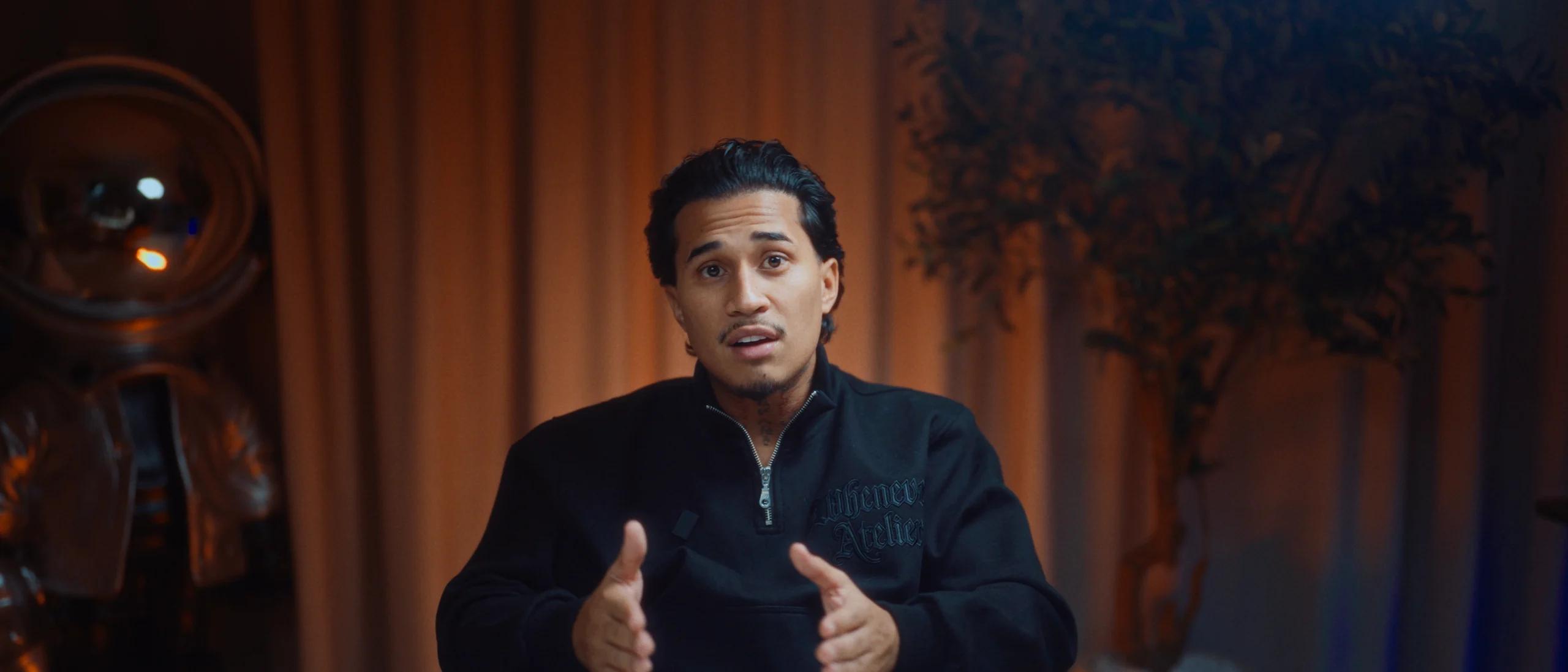
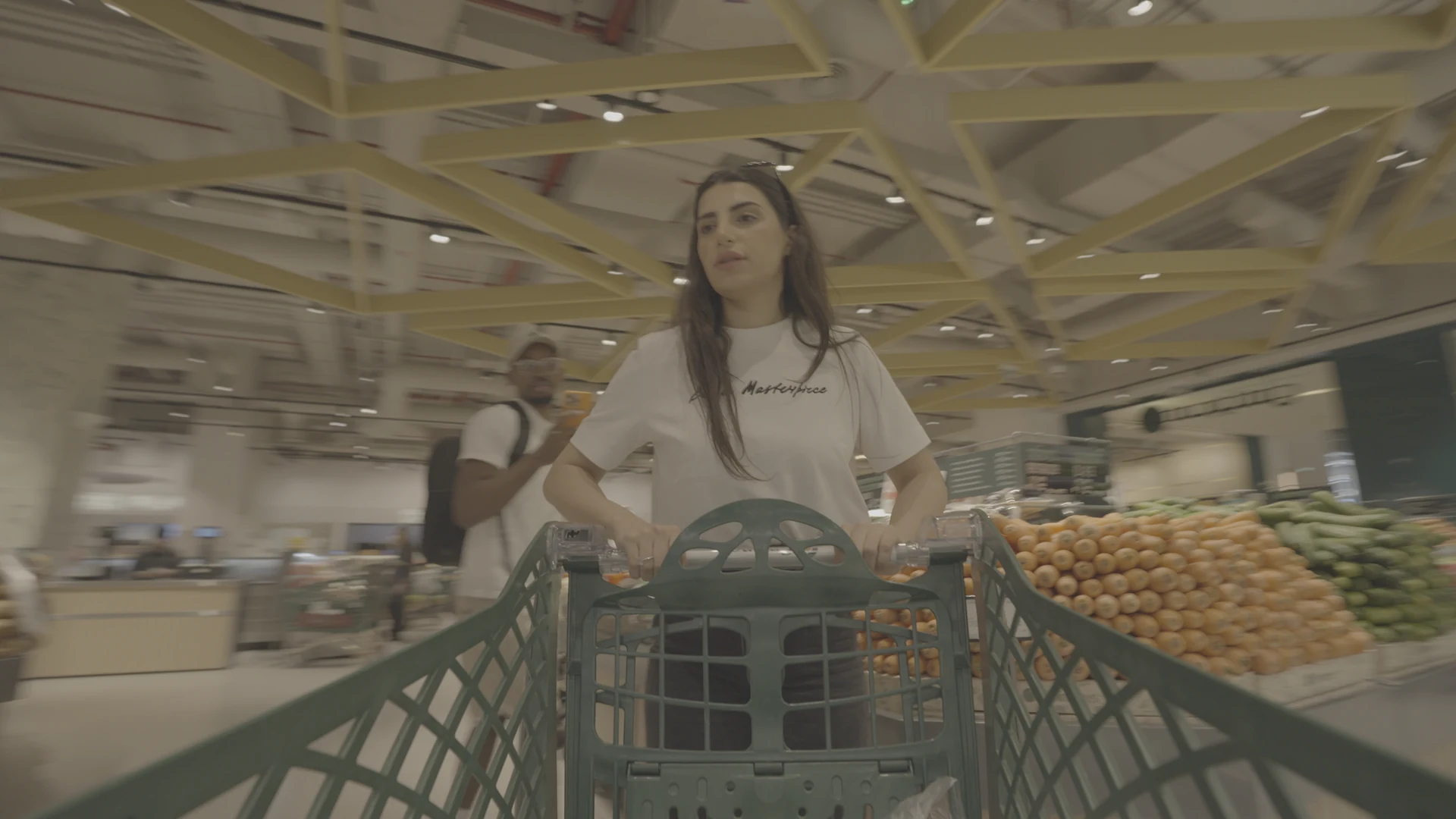

What you get
- 6 .drx PowerGrades (6 cinematic looks) to drop into your DaVinci Resolve Gallery.
- 1 master PowerGrade: color space, exposure, balance, skin.
- The film texture: grain, glow and halation, adjustable node by node.
- A 34-minute video tutorial: every node explained, and how to adapt each look.
- An installation guide (PDF), for Resolve Studio and the free version.
- Lifetime updates: the next PowerGrades in the series, at no extra cost.
The node tree, step by step
| Node | What it does |
|---|---|
| 01 · Input CST | Converts your log (S-Log3, C-Log, V-Log, Apple Log) into DaVinci Wide Gamut. |
| 02 · Exposure | Base contrast and black level. |
| 03 · Balance | Temperature and tint, to start from a neutral white. |
| 04 · Skin | A qualifier on skin tones, protected while the look works on the rest. |
| 05 · Look | The only node that changes from one PowerGrade to the next. |
| 06 · Glow | Soft diffusion in the highlights. |
| 07 · Halation | The red halo around light sources (Resolve Studio). |
| 08 · Grain | Adjustable 35 mm grain (Resolve Studio). |
| 09 · Output CST | Back to Rec.709 for export. |
Compatibility
DaVinci Resolve 19 and 20, Studio and free versions (the Halation and Grain nodes need Resolve Studio). Built for Sony S-Log3, and adaptable to Canon C-Log, Panasonic V-Log and Apple Log through the input node.
Creator PowerGrade: one-time payment, tutorial and updates included.See the Creator PowerGrade
Read next
PowerGrade vs LUT: what's the difference, and which to pick?LUT or PowerGrade in DaVinci Resolve: what each one does, their limits, and when to use…How to color grade S-Log3 in DaVinci Resolve: the simple methodHow to grade Sony S-Log3 footage in DaVinci Resolve: Color Space Transform, exposure…Cinematic Pack: 6 cinematic LUTs + 50 sound effects6 cinematic .cube LUTs for DaVinci Resolve, Premiere Pro, Final Cut Pro and CapCut…4K S-Log3 footage to practice color grading4K 10-bit S-Log3 shots filmed by different videographers, to download with a plan…